
Fun Typing Games to Improve Speed: Play Free Online (2026)
Play the best free fun typing games online. Improve your typing speed and accuracy with games like Falling Words and Keyboard Jump — no signup required.
Last updated: May 25, 2026 · By the FastFingers Editorial Team
Key Takeaways
- Fun typing games are the most sustainable way to practice typing daily without burning out from drills.
- Games build reflex-based typing under pressure — the exact skill that pushes typists past 60 WPM plateaus.
- Top free picks: Keyboard Jump and Falling Words on FastFingers — free, no signup, instant play.
Most people quit typing practice within two weeks. The reason is simple: drilling the same words every day gets boring fast. That is where fun typing games change the equation — they make daily practice something you actually want to do, while still training the speed and accuracy that real typing skills need.
Games are not a replacement for structured practice. They are the thing that keeps you practicing in the first place. Pair them with a weekly typing test, and the WPM number moves faster than drilling alone.
Want to skip to the games? Play Keyboard Jump now → or try Falling Words →. Both free, no signup.
Why Play Typing Games?
There are three reasons typing games beat pure drilling for most people:
- They keep you practicing. A daily 15-minute habit only works if you actually show up. Games are fun. Drills are not. Pick the one you will repeat.
- They train reflexes. Real-world typing is not a calm passage of text — it is bursts under pressure (live chat, exam answers, messages). Games simulate that pressure better than any drill.
- They break plateaus. Most typists hit a wall around 50–60 WPM where drilling stops helping. Games force varied input under pressure, which is exactly what pushes speed past that plateau.
Drilling builds accuracy. Games build speed. You need both.
What Makes a Good Typing Game?
Not every typing game is worth your time. Look for these signs of a quality game:
- Real English text. Games that use random keystrokes do not translate to real typing. The game should make you type actual words.
- WPM and accuracy tracking. If the game does not measure both, it is not really practice.
- Plays on a physical keyboard. Mobile keyboards inflate WPM and train the wrong habits. Always play on a desktop or laptop.
- Free with no signup. Most quality games are free. Walls and downloads kill momentum.
- Short session length. A game you can finish in 3–5 minutes is better than a 30-minute commitment for daily practice.
8 Best Fun Typing Games to Improve Speed
1. Keyboard Jump (FastFingers)
Play: www.fastfingers.in/game/keyboard-jump — free, no signup.
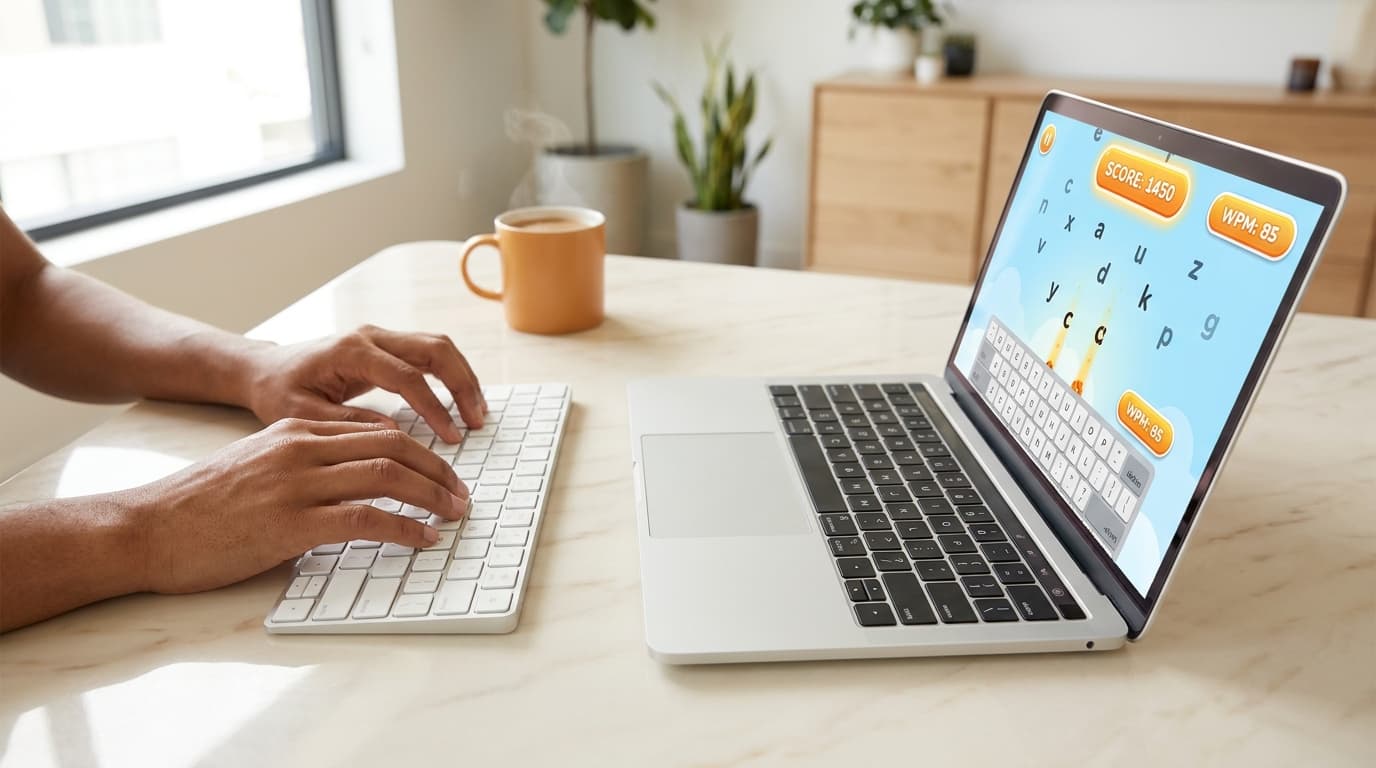
Keyboard Jump is FastFingers' reflex-trainer. Letters appear at increasing speed, and you have to type each one before time runs out. The pressure ramps up automatically, which is what makes it useful for breaking past the 60 WPM plateau. Sessions are 2–5 minutes — perfect for daily practice without overcommitting.
Best for: Intermediate typists (40–70 WPM) who want to push past a plateau.
2. Falling Words (FastFingers)
Play: www.fastfingers.in/game/falling-words — free, no signup.
Falling Words is the classic letters-from-the-sky format. Words drop from the top of the screen, and you type them before they hit the bottom. The pace builds gradually — friendly for beginners but punishing at high levels. It is also one of the best games for training how to type without looking, since your eyes stay glued to the screen the entire game.
Best for: Beginners building their first 40 WPM, and intermediate typists training screen focus.
3. TypeRacer
Play: play.typeracer.com — free, signup optional for stats.
The most popular competitive typing game online. You race other players in real time by typing the same paragraph. Multiplayer mode is what makes it stick — there is something motivating about beating a stranger by 4 WPM.
Best for: Competitive typists (50+ WPM) who want a social practice angle.
4. Nitro Type
Play: www.nitrotype.com — free, signup required for racing.
A car-racing version of TypeRacer aimed at younger audiences. You earn currency that upgrades virtual cars. Hugely popular in schools because the gamification works — kids will type for hours.
Best for: Kids, teens, and casual learners. Less ideal for serious adult practice.
5. Typing of the Dead
Get it: Typing of the Dead: Overkill on Steam — paid, occasionally on sale.
A cult-favorite zombie shooter where you kill zombies by typing words. Available on Steam. It is the most over-the-top typing game on the list and the most fun for gamers who want something that does not feel like practice.
Best for: Gamers who want typing practice disguised as a video game.
6. ZType
Play: zty.pe — free, no signup, plays in the browser.
A Space Invaders–style typing game where you destroy incoming ships by typing the words on them. Browser-based, free, no signup.
Best for: Quick 3–5 minute reflex sessions.
7. Type Rush
A simple browser game with multiplayer racing similar to TypeRacer, but lower friction — no account, just hit start.
Best for: Casual practice with light competitive pressure.
8. Typing Attack
Letters and words attack from all sides; you defend by typing them. Higher difficulty than Falling Words — better suited to typists already past 50 WPM.
Best for: Intermediate-to-advanced typists who want a faster-paced reflex game.
Ready to play? Start with Keyboard Jump → or Falling Words →. Free, no signup, plays instantly.
How Typing Games Actually Improve Your WPM
Games work because they target a different skill from drilling:
- Drills train muscle memory. Repeated home-row practice teaches your fingers where each key is. This is the foundation, but it caps out around 50 WPM.
- Games train reflex typing. When a word appears on screen and you have 2 seconds to type it, your brain skips the conscious "which finger goes where" step. That is the speed unlock past 60 WPM.
- Games also build endurance. A 5-minute game session under pressure builds the same focus stamina you need for a 5-minute employment typing test or a long writing session.
Motor learning research generally supports the idea that varied practice under pressure transfers better to real-world skill than repetitive drilling alone. Typing games are essentially that — varied practice under pressure, made fun.
How to Use Typing Games for Real Practice
A simple daily routine that works for most people:
- 5 minutes of drills — home-row practice or weak-finger work. Builds the muscle-memory foundation.
- 10–15 minutes of games — mix two or three so you do not memorize patterns.
- One 5-minute typing test per week — measures real progress so you know the games are working.
If you only have 10 minutes total, play a game. Some practice beats no practice. Drilling is the kind of thing people skip when they are tired — games are not.
Typing Games by Skill Level
| Level | WPM | Start with |
|---|---|---|
| Beginner | Under 40 | Falling Words — friendly pace, great for screen-focus training |
| Intermediate | 40–60 | Keyboard Jump + Falling Words mix |
| Advanced | 60–80 | Keyboard Jump (speed mode) + TypeRacer competitive |
| Pro | 80+ | TypeRacer ranked mode, Typing of the Dead hard difficulty |
If you do not know where you stand, take a 1-minute typing test first — it gives you a quick baseline so you can pick the right game level.
Common Mistakes When Practicing with Games
- Only playing games, never measuring progress. Games are fun, but without a weekly test you cannot tell if they are working. Always pair with a 1-min or 5-min typing test.
- Sticking to one game. Brains memorize patterns. Rotate two or three games so the input stays varied.
- Playing on mobile. Phone keyboards train the wrong habits. Always play on a physical keyboard.
- Trying to play "perfect." Games are about reflexes, not accuracy first. Make mistakes — that is how you learn the pressure response.
- Quitting after one frustrating session. Some games are punishing at high levels. Drop the difficulty, build the muscle memory, work back up.
Final Thoughts
The best typing game is the one you will actually play every day. Pick one from the list above, set a 15-minute timer, and start. Speed is built one session at a time, and the only thing that beats games for long-term practice is winning the lottery.
For most people, Keyboard Jump is the fastest path past a plateau, and Falling Words is the gentlest entry point. Both are free, no signup, no download.