
Free Typing Games Online
FastFingers' typing games turn typing practice into a fast-paced arcade session. These free typing games online are designed as browser typing games — no installs, no accounts. Open the page and start typing. Whether you want typing games for adults, students, or kids, every run tracks WPM and accuracy so each session doubles as a real workout for your fingers.
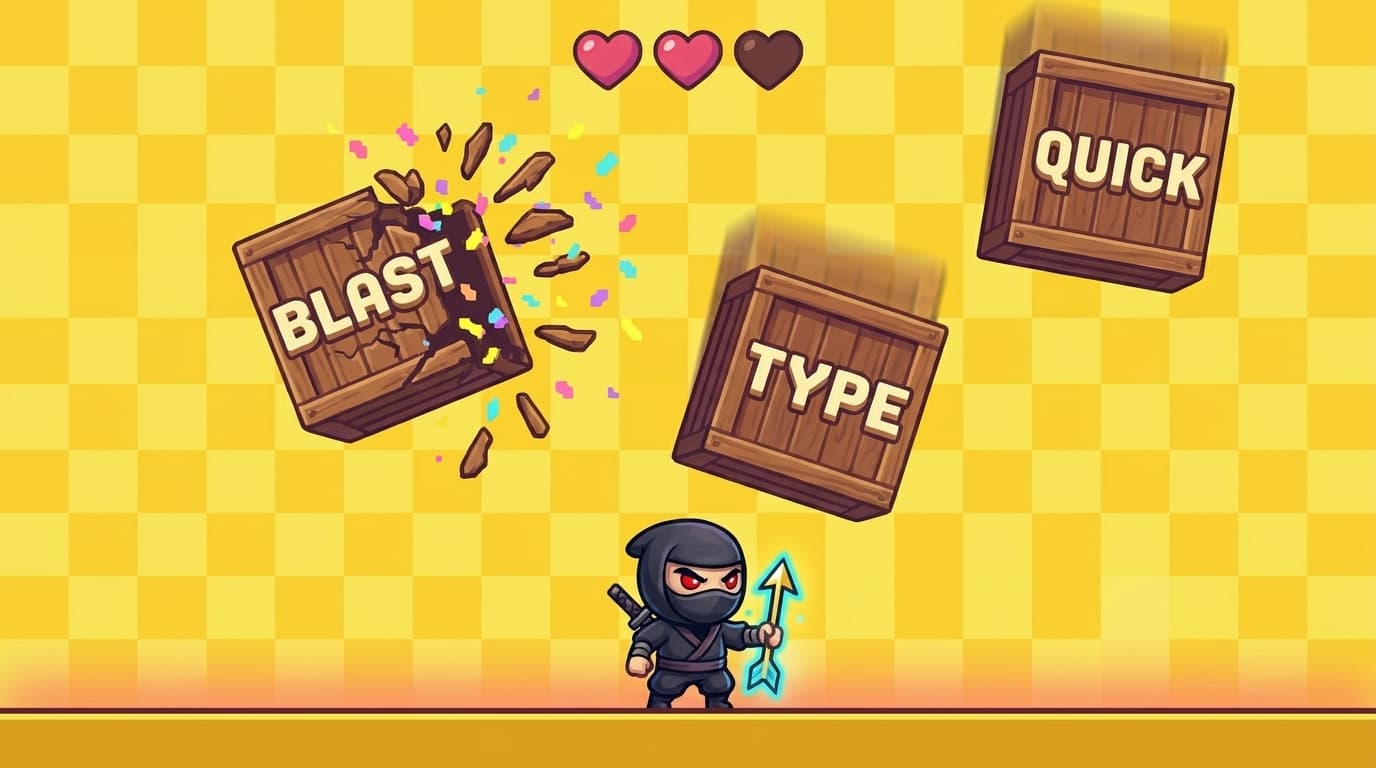
Falling Words
Arcade · Reflex · Combos
Falling Words is a fast arcade typing game where wooden boxes drop from the top with a word painted on each. Type fast to smash them before they hit the ground. Build a combo streak for bonus points and tighter WPM gains. Great for sharpening reflexes and finger speed.
- Easy / Medium / Hard speeds
- 6 hearts
- Combo multiplier
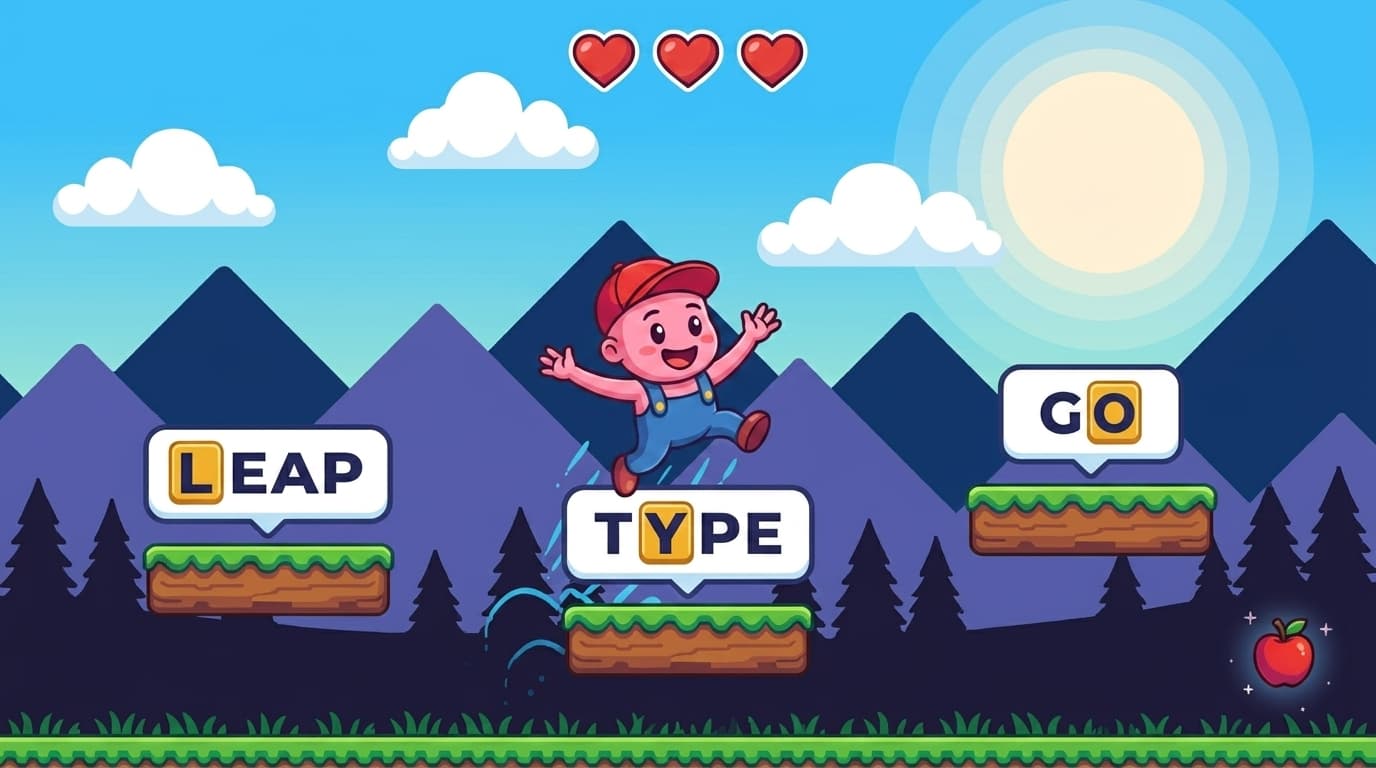
Keyboard Jump
Platformer · Precision · Levels
Keyboard Jump is a platform typing game where you leap from one platform to the next by typing the word on it. Pick a row of keys to drill (home, top, bottom) or play with full-dictionary words. Wrong letters cost a heart, so it rewards accuracy as much as speed.
- 3 difficulties
- 5 word categories
- Heart pickups every 20 platforms
Why play typing games?
Typing tests measure where you are. Typing practice games push you forward. The pressure of a falling word or a moving platform forces your fingers to commit to muscle memory instead of hunting for keys — that's how WPM actually goes up. Our online typing games are built around three feedback loops: speed (you have to type before something happens), accuracy (errors cost lives or break your streak), and reward (combos, level-ups, theme changes). That's what turns them into fun typing games to improve speed — short, focused, hard to put down. As typing skill games they help beginners learn the home row, students prepare for typing exams, and programmers who already type fast clean up their accuracy. Gamified practice gets results faster than rote drills.
Who are these typing games for?
We deliberately designed free online typing games for adults who already know the basics, but the difficulty curve scales down to true beginners and up to competitive typists. They're also typing games no sign up required — you can share the link with a student or a colleague and they'll be playing in two seconds.
- Beginners — start with Keyboard Jump on the Home Row category. The platform pacing gives you time to find each key, and a wrong letter just costs a heart instead of restarting the run.
- Students & exam preppers — Falling Words on Medium difficulty mirrors the rhythm of a timed typing test. Use it as a warm-up before a 1-minute or 5-minute test on the main typing-test page.
- Working professionals — already type 50+ WPM but make small mistakes? Keyboard Jump on Hard with the All Letters category trains accuracy and consistency, both of which matter more than raw speed for emails, code, and chat.
- Gamers & competitive typists — Falling Words on Hard rewards fast burst typing and combo streaks. Saved top scores and the public leaderboard let you compete with others on WPM.
- Kids — colourful pixel art, hearts, and level-up themes make practice feel like a game instead of homework. The Easy mode keeps the difficulty approachable.
Frequently Asked Questions
Yes — every game on FastFingers is completely free. No subscription, no paywall, no in-game purchases. Both Falling Words and Keyboard Jump play directly in your browser as long as you have an internet connection.
No registration is required to play. You can open either game and start typing immediately. Creating a free account is optional — it lets you save scores, track progress over time on your stats page, and appear on the public leaderboard.
The games are built for desktop and laptop typing — you'll get the best experience on a real keyboard. They will load on tablets and phones, but typing on a touch keyboard isn't ideal for speed or accuracy. If you're learning to type, use a physical keyboard.
Both games turn typing practice into focused, repetitive bursts that build muscle memory. Falling Words rewards fast pattern recognition and reflex typing under pressure. Keyboard Jump drills letter rows in isolation (home, top, bottom, numbers) so your fingers learn each layout zone. Playing 10–15 minutes a day builds noticeable WPM gains and cleaner accuracy within a couple of weeks.
Falling Words is an arcade typing game — words drop from the top and you race to type them before they hit the bottom, with a combo multiplier rewarding consecutive hits. Keyboard Jump is a platformer-style typing game — you stand on platforms with a word painted on each and type the next platform's word to leap to it, with errors costing a heart. Falling Words trains burst speed and reflexes; Keyboard Jump trains accuracy and specific-key drills.
Your top score is automatically saved in your browser for each game. If you sign in with a free account, completed runs also feed into your global stats and the typing leaderboard, so you can compete with other players and watch your WPM trend over time.