
1-Minute Typing Test: Free Online WPM Check in 60 Seconds (No Sign-Up)
Take a free 1-minute typing test online. Check your WPM and accuracy in 60 seconds — no signup, instant results. See how fast you really type.
Last updated: May 22, 2026 · By the FastFingers Editorial Team
Key Takeaways
- A 1-minute typing test measures your typing speed (WPM) and accuracy in exactly 60 seconds — the fastest way to check where you stand.
- For most adults, 35–45 WPM is average, 50–60 is good, and 70+ is fast. Pros clear 90–100+ WPM.
- Take a free 1-minute typing test on FastFingers.in right now — no signup, no download, instant WPM and accuracy.
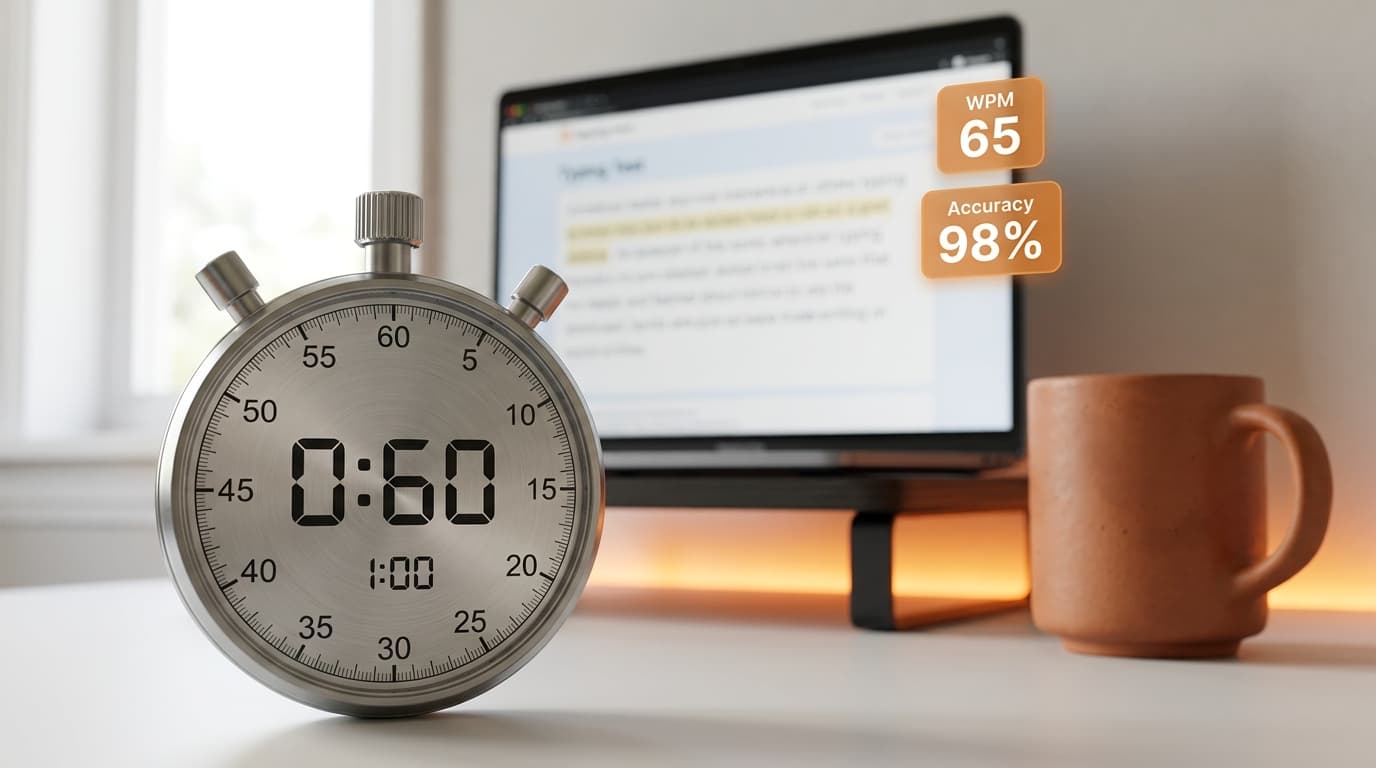
You can know your typing speed in 60 seconds. No signup, no app to download, no payment. Just a passage of text, a one-minute timer, and a clear number at the end — your words per minute (WPM) and accuracy.
That is the entire point of a 1-minute typing test. It is short enough that anyone will actually do it, and long enough to give a real WPM number. Whether you are prepping for a job, curious about your speed, or tracking daily practice, the 60-second test is the cleanest way to measure.
Want to skip ahead and just take the test? Take a free 1-minute typing test on FastFingers → It opens straight to the test, no signup, instant score.
What Is a 1-Minute Typing Test?
A 1-minute typing test is a timed test where a passage of text appears on screen, a 60-second countdown starts when you click into the typing area, and the system reports your WPM and accuracy when time runs out.
It is the most popular timed-test format because it hits the sweet spot:
- Long enough to give a real WPM number (not just a lucky burst).
- Short enough that you will actually finish it (and take it again).
- Quick enough to compare results day-over-day.
Most online typing platforms — including FastFingers, Monkeytype, 10fastfingers.com, and TypingTest.com — offer a 1-minute version. The scoring logic is nearly identical across them.
If you want something deeper, the 5-minute typing test is the gold standard for real working speed because it captures fatigue. But for a quick honest check, 60 seconds is enough.
When to Use a 1-Minute Typing Test
A 60-second test is not for every situation. Use it when:
- You want a quick check. Curious how fast you type? One minute and you know.
- You are warming up before a longer test. A 1-minute pass loosens your fingers before a 5-minute job assessment.
- You are tracking daily progress. A short test you actually take every day beats a long test you skip.
- You are competing with friends. A minute is short enough that nobody bails out.
- You are prepping for a typing assessment for jobs. Many pre-employment tests are 1–3 minutes long, so this format mirrors the real thing.
Use a 5-minute test instead when you need to measure sustained speed for transcription, court reporting, or any role where you will type for hours. A short test masks fatigue.
1-Minute vs 5-Minute vs 10-Minute Tests at a Glance
| Test Length | Best For | What It Measures | Drawback |
|---|---|---|---|
| 1-minute | Quick checks, warm-ups, daily tracking, casual competition | Peak speed | Overstates real working speed; misses fatigue |
| 5-minute | Real working speed, job assessment prep, weekly benchmarking | Sustained speed + accuracy under mild fatigue | Longer commitment; harder to take daily |
| 10-minute | Transcription prep, endurance testing, long-form roles | Long-form endurance + rhythm consistency | Mental fatigue can skew results; not for daily use |
For most people, the right mix is a 1-minute test daily + a 5-minute test weekly. That combination tracks both peak and sustained speed without burning you out.
What Is a Good WPM on a 1-Minute Test?
Here is a realistic benchmark of where most people land on a 60-second test:
| Skill Level | WPM (1-min test) | Accuracy | Notes |
|---|---|---|---|
| Beginner | Under 30 | 90–93% | Still looking at the keyboard. Normal for someone new. |
| Average adult | 35–45 | 93–95% | The global average sits around 40 WPM. |
| Regular computer user | 45–60 | 95–97% | Comfortable typist, eyes on screen. |
| Fast typist | 60–80 | 97–98% | The professional zone. |
| Pro / Competitive | 90–120+ | 98–99%+ | Top 5% of typists. |
Note: a 1-minute test typically overstates your real working speed by a noticeable margin compared to a 5-minute test. That is because you can sprint for 60 seconds; you cannot sprint for an hour at the office. If your 1-minute WPM is 70, your real sustained speed is probably closer to 60–65.
Curious where you land? Take the test now →
How to Take a 1-Minute Typing Test Properly
A few small things make a real difference in your score:
- Use a physical keyboard. Laptop or desktop — not a phone. Mobile autocomplete inflates WPM unrealistically.
- Sit properly. Feet on the floor, back straight, wrists in a neutral position (not bent up or down).
- Hands on the home row. Fingers anchored on A-S-D-F (left) and J-K-L-; (right). If this feels foreign, our 10-finger touch typing guide walks through it.
- Read the passage for 5 seconds before starting. A quick glance helps your brain anticipate the next word.
- Click into the typing area and start. The timer begins on your first keystroke. Type at a controlled pace — not as fast as you can, just as fast as you can stay accurate.
- Do not stop to fix every mistake. Backspacing every error kills your speed more than the error itself.
- Keep eyes on the screen the whole time. Looking down trains a habit that caps your speed at ~40 WPM forever.
When the timer ends, your WPM and accuracy appear instantly. Write the number down. That is your baseline.
How a 1-Minute Typing Test Calculates Your Score
Most tests use the standard typing-speed formula, as defined by the global standard documented on Wikipedia's Words per minute page:
- 1 word = 5 characters (including spaces and punctuation).
- Gross WPM = total characters typed ÷ 5 ÷ minutes elapsed. For a 1-minute test, it is just
total characters ÷ 5. - Net WPM = Gross WPM minus a penalty for uncorrected errors. This is the more useful number for real-world typing.
- Accuracy % = correct characters ÷ total characters typed.
Most employer-style typing assessments report Net WPM as the official score because uncorrected errors create real downstream cost. If you are practicing for a job, optimize for Net WPM, not Gross.
Mistakes That Hurt Your 60-Second Score
- Looking at the keyboard. Your eyes need to be on the screen the entire 60 seconds. Looking down is the single biggest score-killer.
- Practicing on mobile. Phone keyboards use predictive text. Practice and real tests both use physical keyboards. Always train on the same kind of input.
- Backspacing every error. A small uncorrected error costs less than 1–3 seconds of backspacing. Keep moving forward.
- Skipping the warm-up. Cold fingers cost 5–10 WPM. Type a sentence or pangram before hitting start.
- Chasing speed before accuracy. A 70 WPM score with 80% accuracy is worse than 55 WPM with 98%. Net WPM cares about accuracy too.
Where to Take a Free 1-Minute Typing Test Online (No Sign-Up)
You do not need to pay or sign up to take a quality typing test. The best free options:
- FastFingers.in — Free 1-minute test on the homepage, no signup, instant WPM and accuracy. The homepage IS the test — just type.
- Monkeytype — Customizable durations, popular with competitive typists. No signup needed.
- 10fastfingers.com — Quick 1-minute tests available in 40+ languages.
- TypingTest.com — Offers a downloadable typing certificate after passing.
For the closest simulation of a real employment typing test, follow your 1-minute warm-up with a 5-minute typing test — most pre-employment assessments are 3–5 minutes long.
Final Thoughts
A 1-minute typing test is the single fastest way to know where your typing actually stands. Take one today, write down the number, and take another in a week. The number is data — not a verdict. Most people who practice consistently see meaningful WPM gains within a few weeks — actual improvement depends on starting point and effort.
If you have never measured your speed, you are about to be surprised — most people guess they are faster than they actually are. Better to know.
Take a free 1-minute typing test on FastFingers → No signup. 60 seconds. Real number.