Typing Assessment Test: How to Pass Any Job's Typing Test (Free Practice)
Free typing assessment test prep for jobs. Learn the WPM bar by role, common test types, and a 5-day plan to pass on your first try — practice instantly.
Last updated: May 19, 2026 · By the FastFingers Editorial Team
Key Takeaways
- A typing assessment test measures your typing speed (WPM) and accuracy under timed conditions, and is widely used by employers for data-entry, admin, customer-support, and transcription roles.
- Most jobs require 40–60 WPM with 95%+ accuracy. Data-entry and transcription roles usually want 60–80 WPM with 97%+ accuracy.
- You can practice for free on FastFingers.in with our 1-minute typing test and 5-minute typing test — no signup required.
Most office and remote jobs now expect a baseline typing speed before they'll schedule an interview. If you've been asked to "complete a typing assessment test" as part of an application, that usually means a 1–5 minute timed test that scores your words per minute (WPM) and accuracy. The faster and cleaner you type, the better the score.
This guide walks you through what a typing assessment test actually is, the WPM bar for different jobs, the common test formats and platforms employers use, a focused 5-day plan to pass on your first try, what to do on test day, and what happens if you fail.
Want to skip the theory? Take a free 1-minute typing test now → No signup, instant WPM and accuracy.
What Is a Typing Assessment Test?
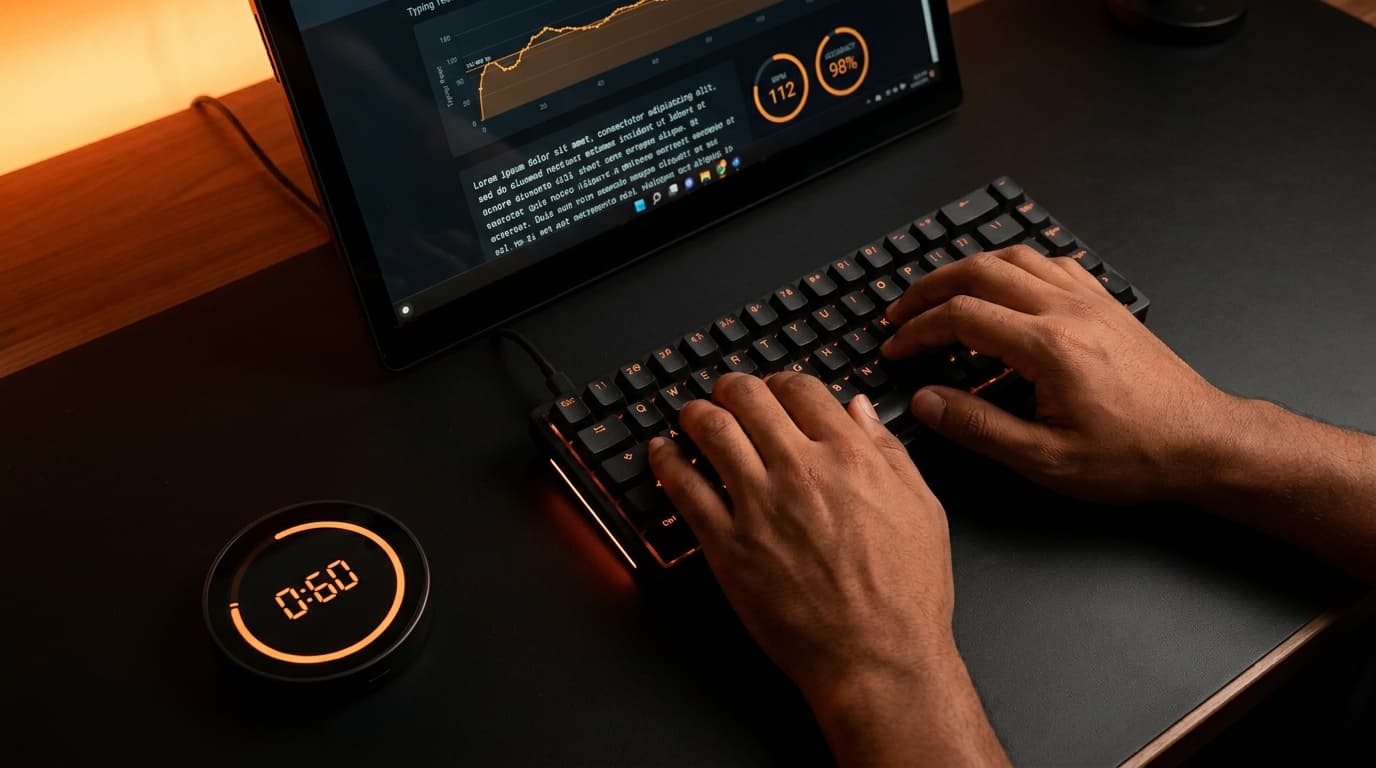
A typing assessment test is a timed test that measures how fast and accurately you can type a passage of text. Employers, recruiters, and government exam boards use these tests to screen candidates whose role depends on heavy keyboard work — admin assistants, data-entry clerks, transcribers, customer-support reps, court reporters, and more.
A typical typing assessment test gives you:
- A passage of plain English text to copy on screen.
- A timer — usually 1, 3, or 5 minutes.
- A WPM score and an accuracy percentage at the end.
- Sometimes a Net WPM number, which subtracts a penalty for uncorrected errors.
You will not be asked to type from memory. The text stays on screen, and you copy it as quickly and cleanly as you can. The score is the only thing that matters.
Some companies use third-party typing skills assessment platforms like TestGorilla, eSkill, TypingTest.com, and Criteria Corp. The exact tool varies, but the scoring logic is nearly identical across them.
Why Employers Use Typing Assessment Tests
Typing speed is not just about ego. Roles that depend on heavy keyboard work cost the business real money when typists are slow or error-prone:
- A data-entry clerk at 30 WPM completes half the work a 60 WPM typist does in the same shift.
- A transcriber at 95% accuracy needs far less editing time than one at 88%.
- A customer-support agent who can type while listening keeps call times short and customers happy.
That's why employers screen for typing speed before the interview. They want proof that the keyboard will not be your bottleneck.
WPM Requirements by Job Role
The bar is not the same for every job. Here is a realistic benchmark of what most employers expect on a typing test for jobs, based on industry standards from Wonderlic's typing speed by profession guide and the National Court Reporters Association:
| Job Role | Minimum WPM | Recommended | Accuracy |
|---|---|---|---|
| Administrative assistant | 40 WPM | 50–60 WPM | 95%+ |
| Data-entry clerk | 50 WPM | 60–80 WPM | 97%+ |
| Customer-support agent | 35 WPM | 45–55 WPM | 95%+ |
| General transcriber / Captioner | 60 WPM | 75–100 WPM | 98%+ |
| Medical transcriptionist | 65 WPM | 75–85 WPM | 98%+ |
| Secretary / Executive assistant | 50 WPM | 60–75 WPM | 96%+ |
| Court reporter (stenotype) * | 180 WPM | 200–225+ WPM | 98%+ |
Court reporters use specialized stenotype machines, not standard QWERTY keyboards. NCRA certification requires 180 WPM for literary, 200 WPM for jury charge, and 225 WPM for testimony. These speeds are not directly comparable to QWERTY typing.
For most office and remote roles, 50 WPM with 95% accuracy clears the bar. If you can hit 60+ WPM with 97% accuracy, you will comfortably pass nearly any pre-employment typing assessment.
Not sure where you stand right now? Take our free 1-minute typing test → and write down your baseline score.
Common Types of Typing Assessment Tests
Not every test is the same. Knowing the format ahead of time makes a real difference.
1. Standard timed test. The most common type. A passage appears on screen, you type it back, the system grades you on WPM and accuracy. Duration: 1, 3, or 5 minutes. Used by most employers.
2. Net WPM test. Same as above, except uncorrected errors are deducted from your score. If you typed 60 WPM with 3 mistakes, your Net WPM might be 55 WPM. Most modern employment typing tests now use Net WPM.
3. Numeric / 10-key test. A separate test focused on the number pad — used for accounting, billing, and data-entry roles. Measured in keystrokes per hour (KPH) rather than WPM.
4. Transcription test. You listen to an audio clip and type what you hear. Measures typing speed and listening accuracy together. Used for transcription, captioning, and legal/medical roles.
5. Live-test format. Some companies sit you in front of a desktop and watch you take the test in person (or via webcam). The scoring is identical to a remote test — just less anonymous.
If a job posting mentions a typing skills assessment, it is almost always type 1 or type 2. The other formats are specialized.
Major Typing Assessment Platforms Employers Use
Different employers use different assessment platforms, but most rely on a handful of major providers. Knowing which one you'll face helps you practice in the right format.
| Platform | Typical Format | Used For |
|---|---|---|
| TestGorilla | 3–5 min standard test, scientific scoring | General pre-employment screening across roles |
| eSkill | Customizable timed tests, often combined with skills assessments | Mid-large enterprises, call center hiring |
| Criteria Corp | Standard 5-min test alongside cognitive/personality tests | Enterprise hiring |
| TestDome | Pre-employment skills, including typing | SaaS companies and tech hiring |
| TypingTest.com | Standard 1–5 min, downloadable certificate | General use and some employer screening |
| Workable Assessments | Integrated typing + skills tests | Companies using Workable ATS |
A note on Indeed Assessments: Indeed discontinued its candidate assessments feature in November 2024, so you'll no longer be asked to take an "Indeed Typing Assessment" as part of an Indeed job application. Employers who previously relied on it have mostly moved to TestGorilla, eSkill, or built-in ATS assessment tools.
The good news: most of these platforms use nearly identical scoring (gross WPM, net WPM, accuracy %). Practice on any standard 5-minute test and you're prepared for all of them.
How to Prepare for a Typing Assessment Test (5-Day Plan)
You don't need months. A focused week of daily practice typically delivers a meaningful jump in WPM — though gains vary based on your starting point, your typing technique, and how consistent you are with the drills.
Day 1 — Baseline + posture fix. Take a free 1-minute typing test and write down your starting WPM and accuracy. Then check your posture: feet flat on the floor, wrists straight, screen at eye level, fingers on the home row (A-S-D-F and J-K-L-;). Bad posture is the silent number-one killer of WPM.
Day 2 — Accuracy first. Take a 5-minute typing test. Aim for 97%+ accuracy even if your WPM drops 5–10 points. Slow down deliberately. Speed comes from accuracy, not the other way around.
Day 3 — Weak-finger drills. Most people have a slow pinky or ring finger. Spend 15 minutes on words that hit your weakest fingers: was, saw, all, lol, pop, quiz, quilt. Re-test at the end.
Day 4 — Real-text practice. Stop drilling random words. Type real paragraphs — news articles, emails, your own writing. This is what the actual assessment will look like.
Day 5 — Mock test under pressure. Set a timer. Take a full 5-minute test simulating exam conditions: no breaks, no peeking at the keys, no second tries. The score you get here is roughly what you'll get on the real assessment.
By the end of the week, most people see noticeable improvement — often enough to move from "below the bar" to "comfortably past it" for the role they're applying to. If you want the full beginner-to-pro framework, check out our 10-finger typing complete guide.
Practice Mistakes to Avoid
- Looking at the keyboard. Pre-employment tests don't care how you got the score, but looking down trains a habit that caps your speed forever. Force yourself to keep eyes on the screen.
- Chasing speed before accuracy. A 70 WPM score with 80% accuracy fails most Net WPM tests. A 50 WPM score at 98% passes most jobs.
- Practicing only on mobile. Mobile autocomplete inflates WPM unrealistically. Always practice on a physical keyboard — that's what the assessment will use.
- Skipping warm-ups. Start every session with 60 seconds of typing the alphabet or a pangram. Cold fingers cost you 5–10 WPM.
- Cramming on test day. Practice the day before, then rest. Tired hands hurt your score more than a missed practice day.
Test Day Checklist
The day of the assessment, small details make a real difference. Run through this list before you click "Start":
- Warm up for 5 minutes. Type the alphabet, a pangram, or any easy paragraph to wake up your fingers.
- Use a physical keyboard. Never take an assessment on a laptop touch-keyboard or phone if you can avoid it.
- Reset your posture. Feet flat, wrists straight, screen at eye level, shoulders relaxed.
- Clear your desk. Water nearby, phone on silent, notifications off, second monitor turned off.
- Test your internet. If it's a remote assessment, run a quick speed test 10 minutes before. A drop mid-test can interrupt your score.
- Read the instructions before the timer starts. Some tests penalize uncorrected errors heavily; others don't. Knowing the scoring method before you begin changes how aggressively you should type.
- Use headphones if it's a transcription test. Audio quality and noise isolation matter for accuracy.
- Breathe. Nervous typing is sloppy typing. Take three slow breaths before you start.
- Don't peek at the keys. Even once. Trust your muscle memory.
If you're allowed a practice round before the official test, take it. It calms your nerves and warms your fingers at the same time.
What If You Fail Your Typing Assessment Test?
A single bad score is rarely the end of the road. Here's what to do based on the situation:
If the employer allows a retake (most do): Don't retake immediately. Wait at least a few hours. Practice for 30–60 minutes specifically on the format you failed (1-minute vs 5-minute, prose vs alphanumeric), then retake. Fresh hands and targeted practice produce better second-attempt scores than panicked back-to-back tries.
If the employer allows only one attempt: Treat the score as feedback, not a final verdict. Many companies still hire candidates whose typing was borderline if their resume, interview, or other tests are strong. Reach out to the recruiter politely, mention that you've been practicing, and ask if you can demonstrate updated skills during the interview.
If you're significantly below the bar: It's better to delay the application by 2–4 weeks, commit to daily practice, and apply again with higher skills than to push through repeated failures. Use that time on our 5-minute typing test and our 30-day plan to build up to the required WPM.
If you suspect a technical issue (lag, crash, autocomplete): Email the recruiter or platform support immediately with the issue. Most reputable platforms will issue a retake on documented technical problems.
The biggest mistake candidates make after failing is assuming the door is closed. It usually isn't — but you need to communicate proactively instead of disappearing.
Where to Take a Free Typing Assessment Test
You don't need to pay for assessment practice. The best free typing assessment test options are:
- FastFingers.in — Free 1-minute and 5-minute tests, instant WPM and accuracy, no signup. Pick your duration and start typing.
- TypingTest.com — Free downloadable certificate after passing a test.
- Monkeytype — Customizable test lengths, popular with competitive typists.
- 10fastfingers.com — Quick 1-minute tests in 40+ languages.
For the closest simulation of a real employment typing test, use a 5-minute test with English text. Most pre-employment assessments use that exact format.
Take the 5-minute typing assessment test now → Free, no signup, instant results.
Final Thoughts
A typing assessment test is just a measurement — not a permanent verdict on your skills. Even a single focused week of daily practice can produce a noticeable WPM gain, which is often the difference between "below the bar" and "hired."
Practice on a real keyboard, focus on accuracy first, run through the test day checklist, and simulate the test environment for at least one full mock run before the real one. That's the whole formula.
When you're ready, take a free typing test on FastFingers → and see where you currently stand. Your starting number is your baseline. Everything after is just practice.