
How to Take Your First Fast Fingers Typing Test Online
Take your first fast-finger typing test online with this beginner-friendly guide. Learn steps, WPM basics, tips, and improve your typing speed easily.
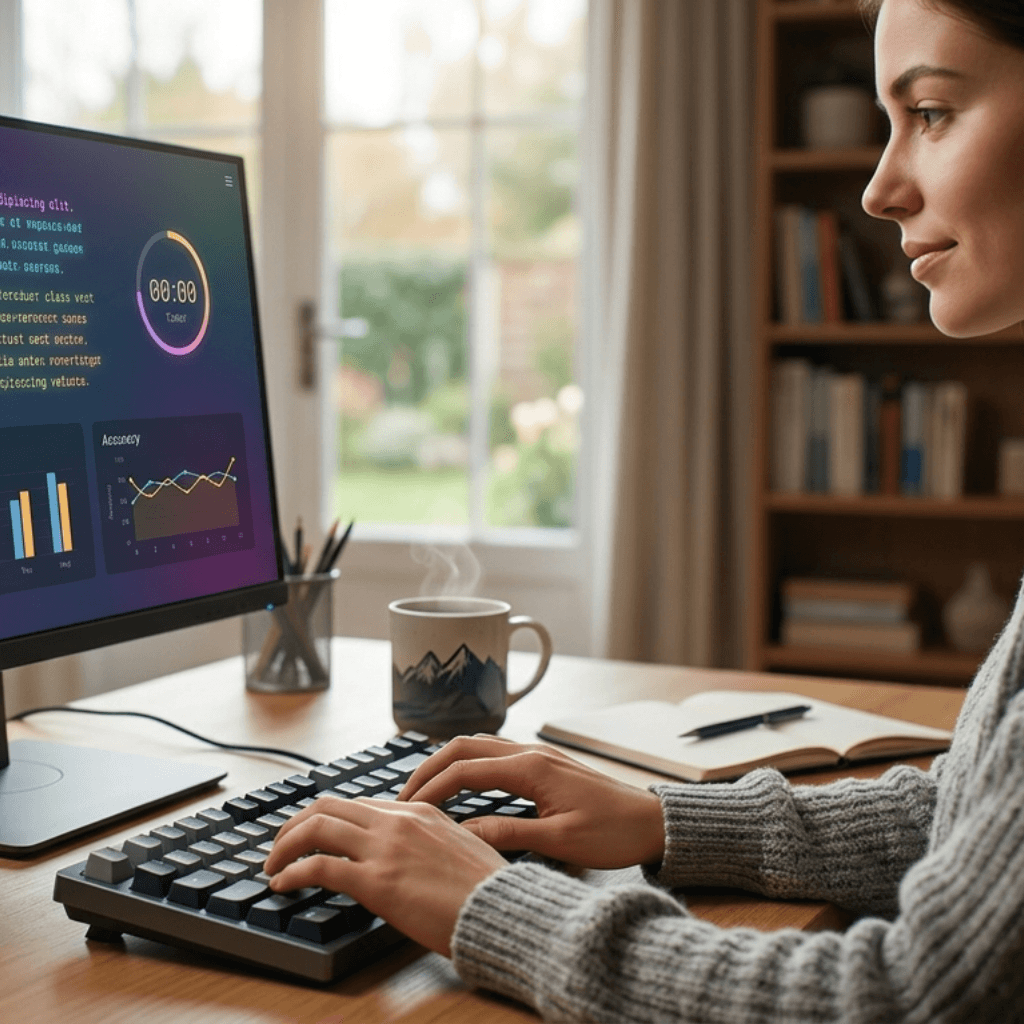
You have been thinking about it for a while now. Maybe someone told you to take a fast-finger typing test online before a job interview. Maybe your school asked for it. Or maybe you just got curious about how fast you actually type. Whatever the reason, you are here now and that is a good start.
The good news is that taking a fast-finger typing test online for the first time is not complicated at all. It takes about two minutes to set up and another one to five minutes to actually do the test.
This guide walks you through everything from start to finish.
What Exactly is a Fast Fingers Typing Test Online?
A fast-finger typing test online is simply a timed test where you type a given text on your screen as quickly and accurately as you can. Once the time is up, the platform shows you your result — how many words you typed per minute and what your accuracy percentage was.
Words per minute stands for words per minute. That is the main number you get after every test. Accuracy tells you how many words you typed correctly out of the total words typed.
Both numbers matter. A fast-finger typing test online does not just reward speed. It also rewards how clean and error-free your typing is.
What Do You Need Before Starting?
Nothing fancy. Just make sure you have these things ready:
- A laptop or desktop computer with a working keyboard.
- A stable internet connection so the test does not break mid-way.
- A quiet spot where you will not get distracted for 5 minutes.
- A browser like Chrome or Firefox — both work perfectly fine.
- That is it. No account, no download, no payment needed.
One important thing — avoid taking the test on a phone. Mobile keyboards are completely different from physical ones, and your WPM score will not reflect your real typing ability.
How to Take a Fast Fingers Typing Test Online — Step by Step
Here is the exact process, broken down simply.
Step 1 — Open the Website
Go to FastFingers.in on your browser. The homepage loads with a typing test area right in front of you. No scrolling needed. The text box is front and center.
Step 2 — Choose Your Test Duration
Most fast-finger typing test online platforms give you a few time options:
- 1 minute — good for a quick check.
- 2 minutes — more balanced, shows your stamina.
- 3 minutes or more — used for exams and professional testing.
For your very first test, just go with 1 minute. It is short enough not to feel overwhelming but long enough to give you a real WPM number.
Step 3 — Read the Text Before You Start
Before the timer starts, take 10 seconds to glance at the words on screen. You do not need to memorize anything. Just get a feel for what kind of text it is — simple words, longer sentences, or a mix.
Step 4 — Click the Text Box and Start Typing
Click anywhere in the typing area, and the timer begins. Start typing the words shown on screen. Do not stop to fix every small mistake. Keep moving forward. Small errors at the end are better than constant backspacing in the middle.
Also, do not look at your keyboard. Keep your eyes on the screen the whole time.
Step 5 — Check Your Results
When the time runs out, your fast-finger typing test online result shows up immediately. You will see:
- Your WPM score — how many words you typed per minute.
- Your accuracy percentage — how many of those words were correct.
- Sometimes a rank or comparison showing how you did versus other users.
Write that number down somewhere. That is your baseline. Every test after this one is about beating that number.
What is a Good Score on Your First Fast Fingers Typing Test Online?
A lot of first-timers worry that their score is too low. It probably is not. Here is a simple reference:
- Under 30 WPM — You are just starting out. That is fine. Everyone starts somewhere.
- 30 to 50 WPM — Average for most people. With practice, you can push this to 70 or 80 quickly.
- 50 to 70 WPM — Already decent. You just need to sharpen your accuracy now.
- Above 70 WPM — You are doing well. Most jobs and exams will be comfortable for you.
The first score is just information. Nothing to stress about. What matters is what you do after you see that number.
A Few Things to Keep in Mind While Typing
These small things actually affect your score more than you think:
- Sit properly with your back straight and both feet on the floor.
- Place your fingers on the home row keys before you begin.
- Do not tense up your shoulders or wrists while typing — stay relaxed.
- Breathe normally. People literally hold their breath during timed tests and it shows.
- If you make an error, keep going. Stopping to fix every word kills your speed.
After the Test — What Should You Do Next?
Taking a fast-finger typing test online is useful. Taking it every day is where the real improvement happens.
Once you have your first score, start a simple daily practice habit. Give it 20 minutes a day. Take the test, check the WPM, note it down, and try again the next day. Over two to three weeks, the improvement will be noticeable.
Also, try the typing games on FastFingers. They make the whole practice feel less like work and more like something you actually want to do.
Alright, Time to Just Go Do It
There is no reason to keep putting this off. Taking a fast-finger typing test online takes less than five minutes, and you walk away knowing exactly where your typing stands right now.
Open FastFingers.in, pick a 1-minute test, type your best, and see what comes up. That first score is the starting point of something that can genuinely help you — in exams, in jobs, and in everyday work.
Your fingers already know how to type. Now it is time to find out just how fast they can go.